Simplifying boundaries
Use the Simplify Boundary form (prepare > Post-Processing Tools > Tri-mesh Tools > Boundary > Simplify Boundary) to remove redundant nodes from the boundary of tri-meshes. Other boundary tools are also available, and allow you to smooth and create polyline sets from tri-meshes.
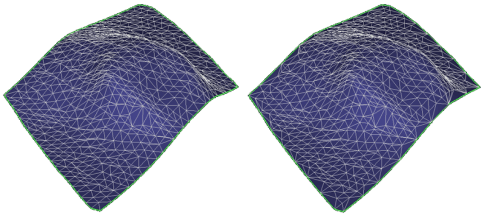
Before and after boundary simplify click to enlarge
- Select the model.
- Select the tri-meshes whose boundaries you want to simplify.
- For Edge length, specify the length of the maximum line segment that will be left between removed nodes.
- Click OK or Apply.